
A LITTLE FRAME. A BIG LITTLE MEMORY.
A birthday, a new arrival, a favourite person. Choose an illustrated picture frame, add your words, and make a keepsake for the moment.
Digital files for your printer · No physical products
Five little collections, full of possibilities.
Pick a starting shape. Your name, colours and details come next.
Digital model previews · Colours are illustrative. Printed finish depends on your filament and settings.
No project found. Try “frame”, “name”, “letter” or “keycap”.
Start with a memory
Birthday wishes, a new arrival, your forever person or your favourite friends. Start with the moment.
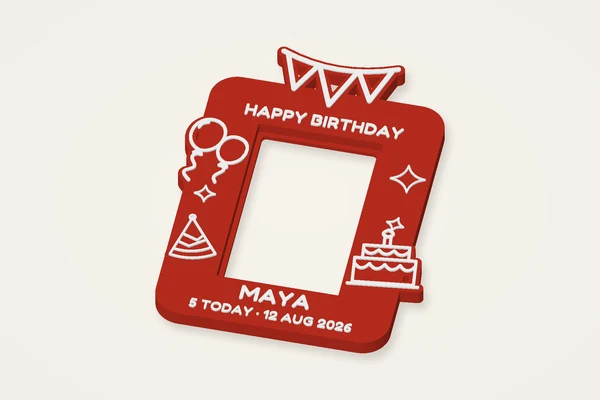
Balloons, a party hat and a birthday cake. A little celebration with their name on it.
Typical size: 117 × 154 × 8 mmMake it yours ↗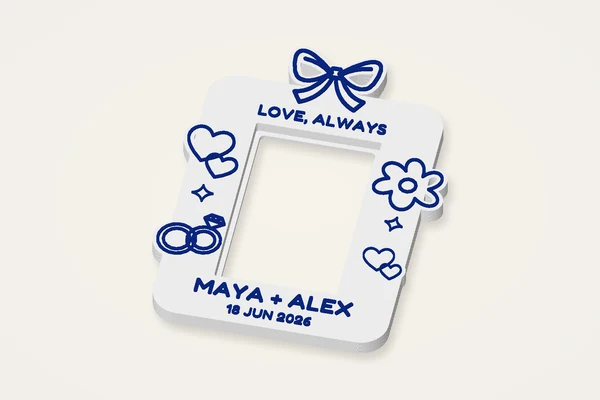
Ribbon bows, flowers and intertwined rings, made personal with two names and a date.
Typical size: 117 × 156 × 8 mmMake it yours ↗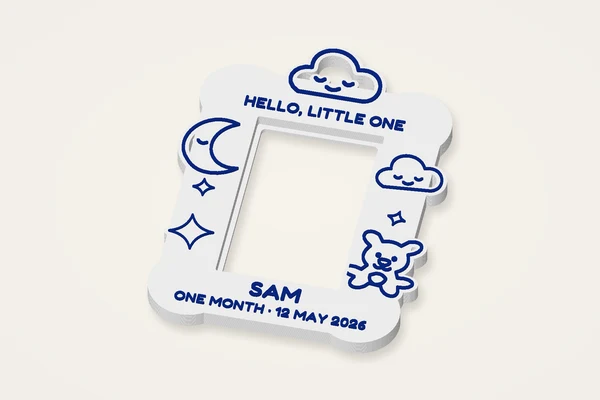
A sleepy moon, soft clouds and a teddy bear for the moments that grow with them.
Typical size: 115 × 157 × 8 mmMake it yours ↗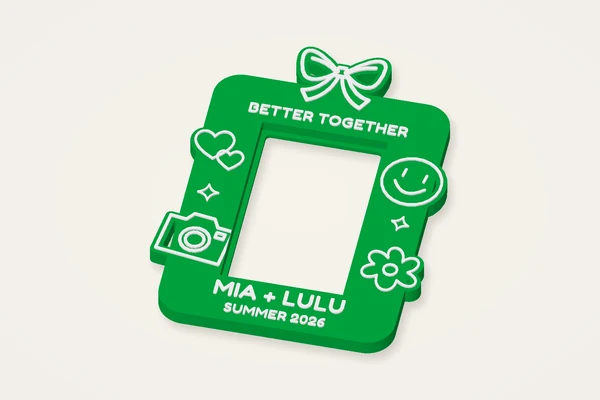
A happy face, a little camera and playful flowers for your favourite people.
Typical size: 116 × 155 × 8 mmMake it yours ↗Carry a little joy
A pocket rainbow, a weekend adventure or a pet’s name. Small things with a story of their own.

A soft oval and a little raised rainbow above your name.
Typical size: 91 × 32 × 3 mmMake it yours ↗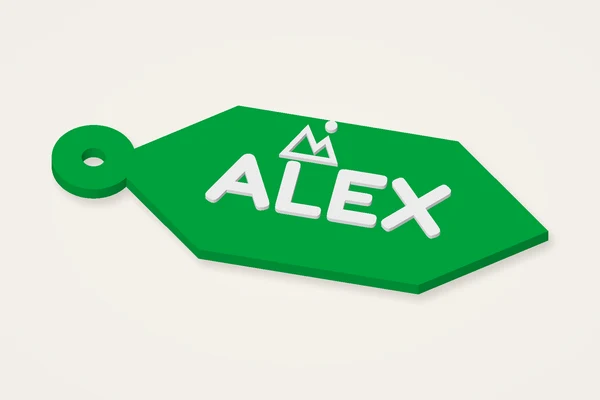
A mountain badge with a geometric outline for the weekend bag.
Typical size: 84 × 32 × 3 mmMake it yours ↗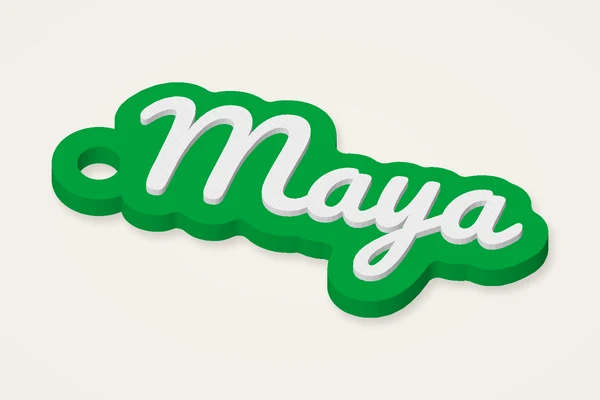
A flowing name charm. Make a second one for your favourite person.
Typical size: 47 × 22 × 3 mmMake it yours ↗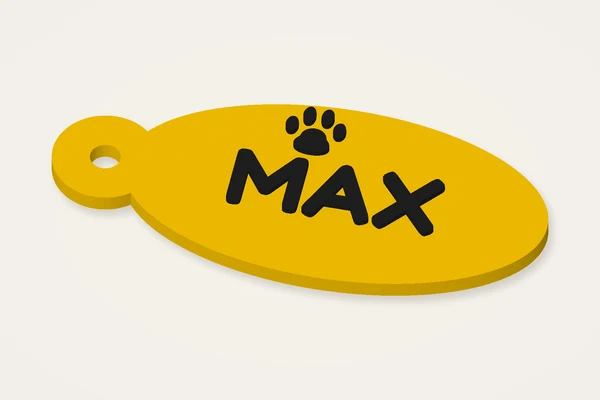
A paw and a short name. Test the ring and edges before collar use.
Typical size: 66 × 29 × 3 mmMake it yours ↗Make a cosy corner
A flower above the page, a sunset between chapters, and a name for your own creative corner.
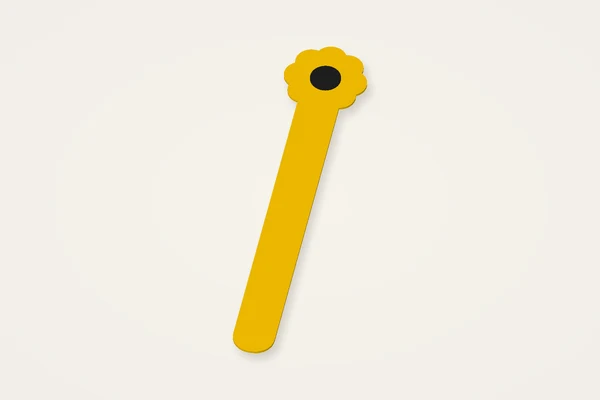
A slim blade with the whole flower above the page edge. Adjust the length.
Typical size: 26 × 125 × 1 mmMake it yours ↗
A tall sunset drawing with a thin printed fill. The lines are part of the file.
Typical size: 53 × 125 × 1 mmMake it yours ↗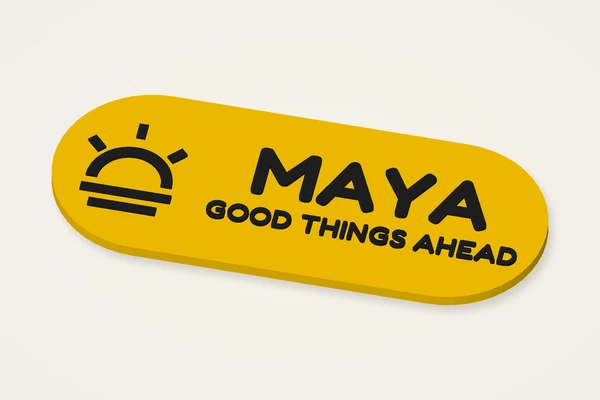
A sunrise on the left, your name and a hopeful message on the right.
Typical size: 120 × 48 × 4 mmMake it yours ↗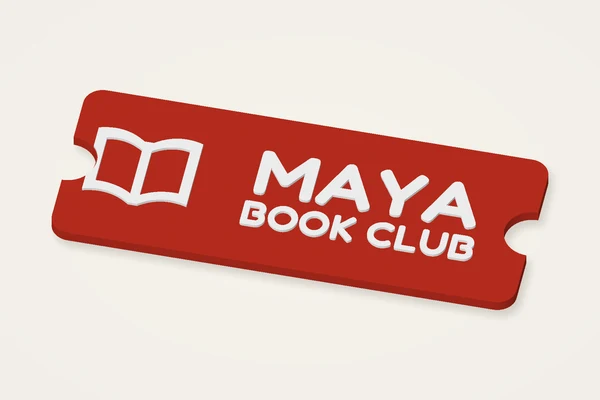
A ticket-shaped reading plaque with an open book and a personal caption.
Typical size: 120 × 48 × 4 mmMake it yours ↗Give something personal
Names for the tree, keepsakes for a milestone, and a small “you did it”.
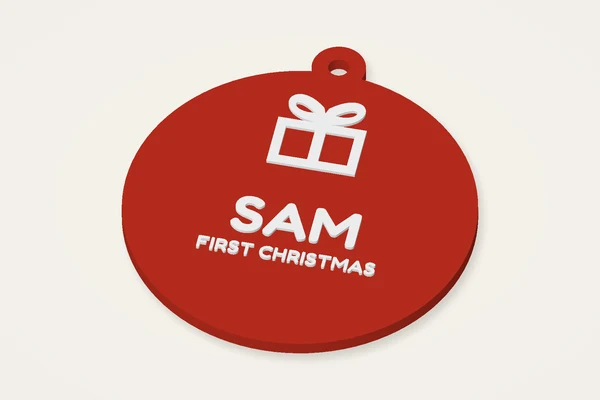
A raised gift above a name and first-Christmas message.
Typical size: 85 × 94 × 4 mmMake it yours ↗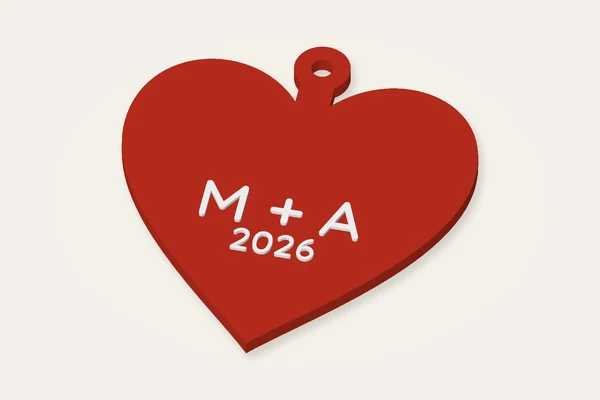
A heart-shaped keepsake for two initials and a meaningful year.
Typical size: 82 × 91 × 4 mmMake it yours ↗
A book illustration and two editable lines for a reading milestone.
Typical size: 76 × 76 × 4 mmMake it yours ↗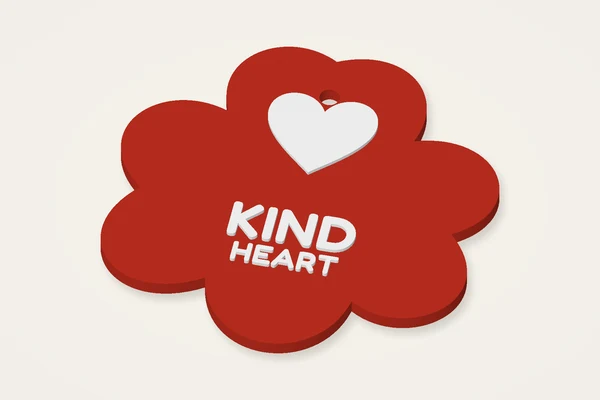
A petal-shaped award with a heart and a personal thank-you.
Typical size: 76 × 76 × 4 mmMake it yours ↗An afternoon of DIY
A pair of clay earrings, a love-note stamp or a botanical impression. Start with the tools for your next idea.
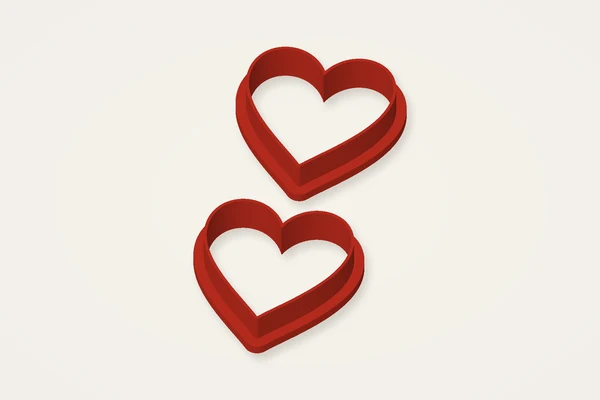
Two matching heart cutters. Clay and jewellery findings are yours to add.
Typical size: 33 × 72 × 8 mmMake it yours ↗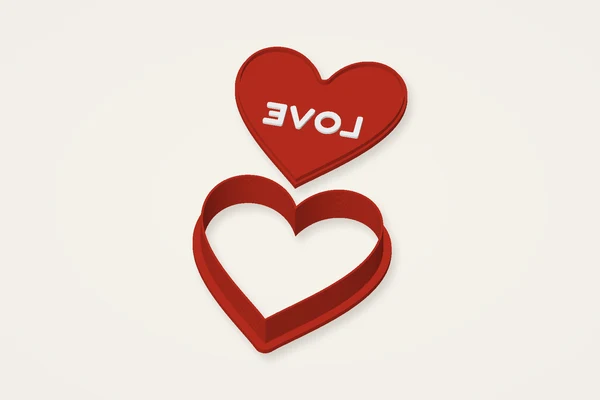
A heart cutter and a separate lettered stamp, ready for your own clay.
Typical size: 73 × 141 × 15 mmMake it yours ↗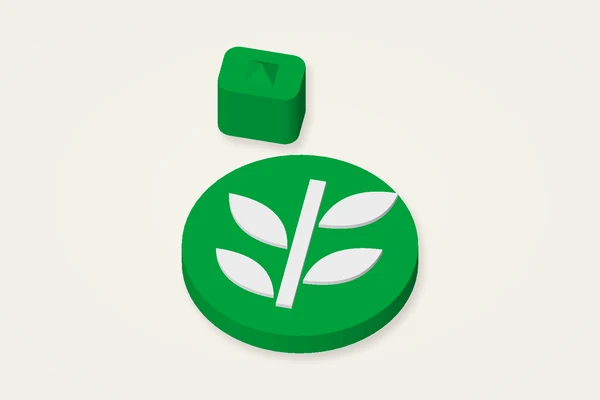
A mirrored botanical plate and separate handle for pressing a clay impression.
Typical size: 48 × 66 × 17 mmMake it yours ↗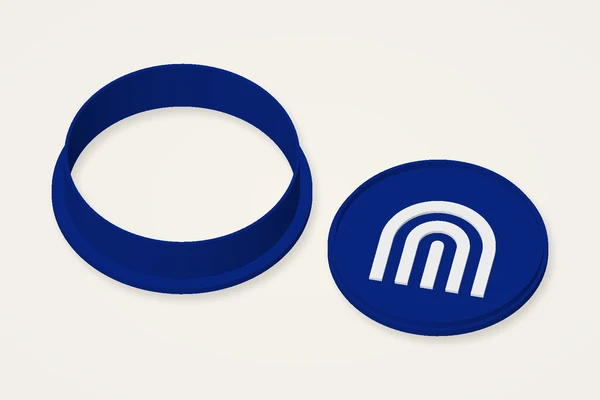
A round cutter with a matching rainbow relief stamp.
Typical size: 122 × 63 × 15 mmMake it yours ↗KEEP EXPLORING
9 categories · 105 templates
Start with a shape. Add your touch. Turn it into a real little thing.
New to 3D printing? Start here →Made in your browser. Saved on your device. Your saved makes live here ↗
Have a photo, drawing or some words ready? Give them a shape.